

IQ FX Strength
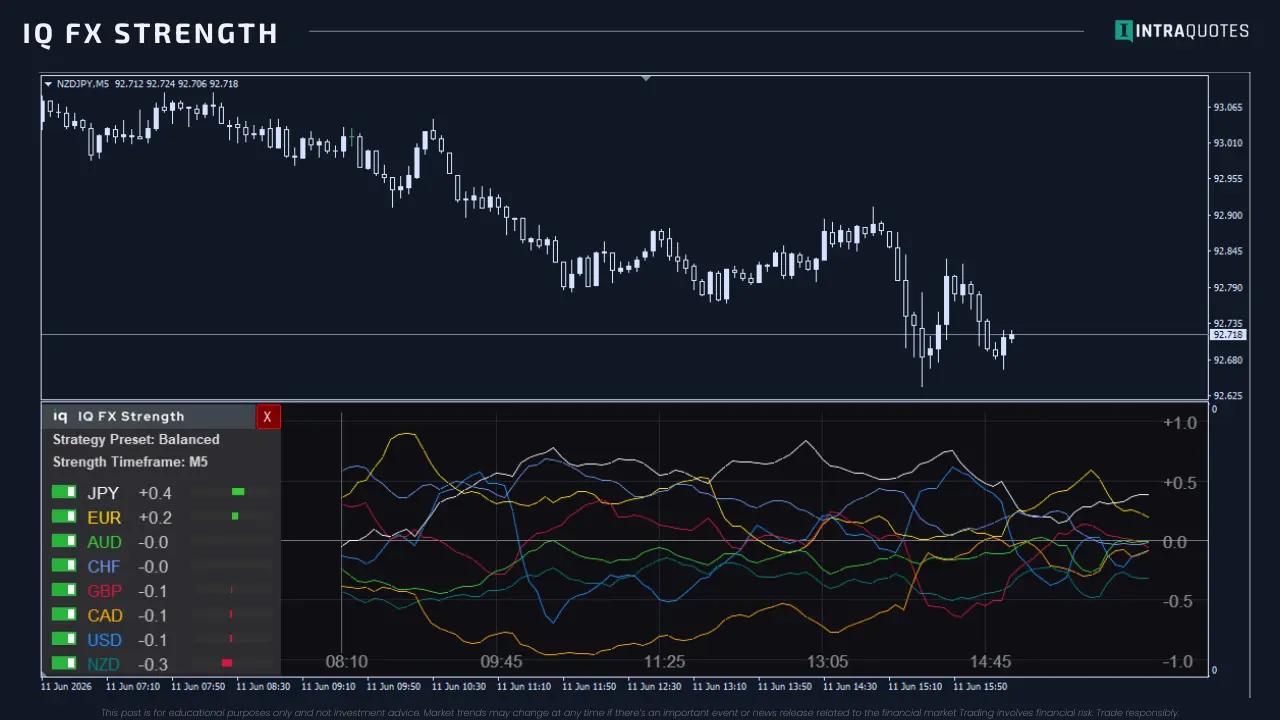
IQ FX Strength is a professional multi-timeframe currency strength indicator that shows which currencies are in control. It combines M5, H1, and H4 into a real-time power ranking, helping traders identify true momentum and trade with institutional flow, not noise.
Compatible
Signals
Choose Your Platform
Secure checkout: You will be redirected to the official MQL5 portal to complete your purchase.
Try Gann Square Support Resistance
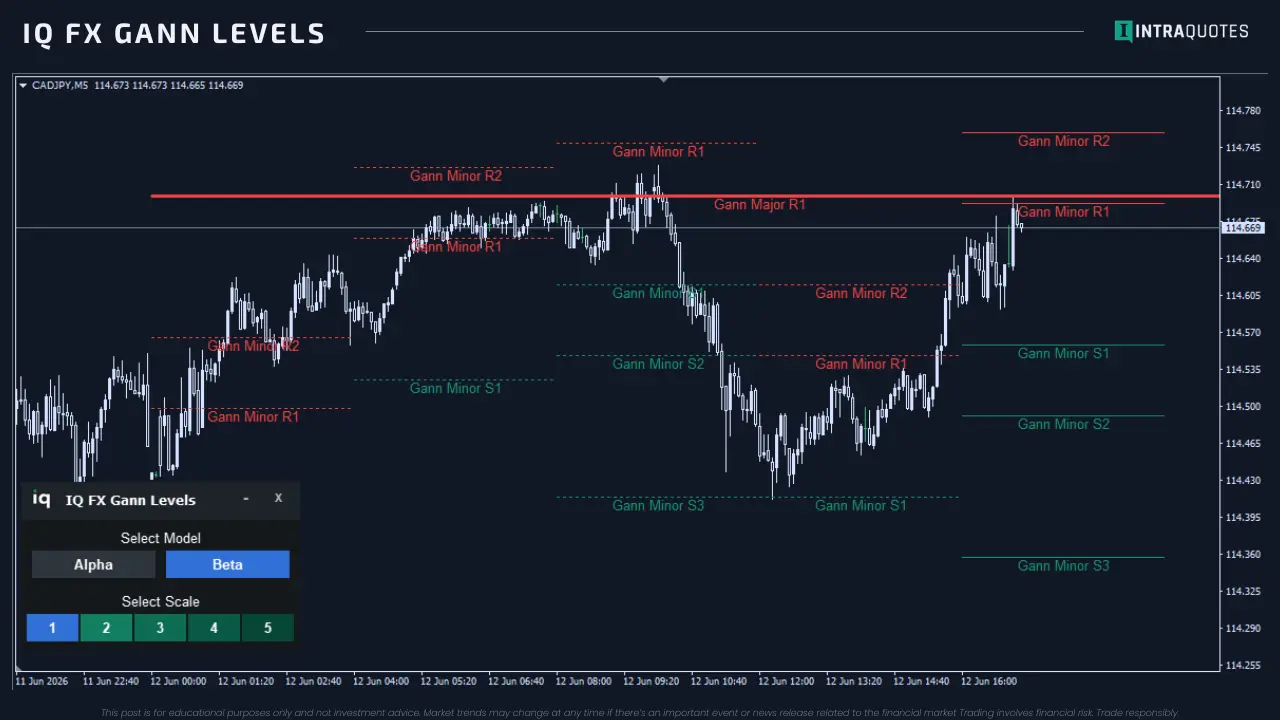
Get IQ FX Gann Levels that pre-plot Intraday support and resistance levels to help you spot Gann support and resistance levels of the strong and weak currencies.
About IQ FX Strength
Key Features
Multi-Timeframe Strength Engine:
Combines M5, H1, and H4 data into a single normalized strength model for true market context.
Preset & Custom Power Modes:
Instantly switch between Scalper, Swing, Balanced, or fully Custom weighting strategies.
Weighted Power Algorithm:
Advanced composite calculation with user-defined timeframe bias for strategy-aligned signals.
Momentum & Explosive Cross Detection:
Acceleration, velocity, and divergence-based logic to spot breakouts early.
Real-Time Currency Ranking Dashboard:
Live strongest-to-weakest rankings with visual power meters and numeric values.
Fully Customizable, Broker-Ready UI:
Auto symbol detection, adjustable dashboard width, smooth curves, alerts, and prop-firm compatibility.
FAQs
Because IQ FX Strength calculates data across 28 symbols and 3 different timeframes, your MetaTrader terminal must sometimes be "nudged" to download this massive amount of history from the broker’s server. If your preloading screen shows symbols under the "STUCK ON BROKER" list, follow these 3 simple steps to reach 100% instantly: 1. Open the Stuck Chart: Click the OPEN STUCK CHART button on the preloader (or manually open a new chart for the symbol listed in red). 2. Trigger the History Download: On that new chart, simply click through the M5, H1, and H4 timeframe buttons at the top of your terminal. - Why? Clicking the timeframes forces MetaTrader to "demand" that specific history from the broker immediately. 3. Return & Refresh: Go back to the chart where IQ FX Strength is attached and click the FORCE REFRESH button. The indicator will perform a fresh scan, recognize the newly downloaded data, and immediately move the progress bar to 100%. Note: You only need to do this once. After the data is stored on your computer, the indicator will load nearly instantly every time you open it in the future.
IQ FX Strength utilizes a sophisticated 28-symbol matrix calculation. When switching between different currency charts, your MetaTrader terminal must re-prioritize data streams from the broker's server. What to expect: You may notice the currency rankings shift for 1–3 seconds immediately after changing a chart. This is a standard procedure while the terminal performs a 'Data Handshake' to ensure all 28 symbols are perfectly aligned with the new chart’s timeline.
See It In Action
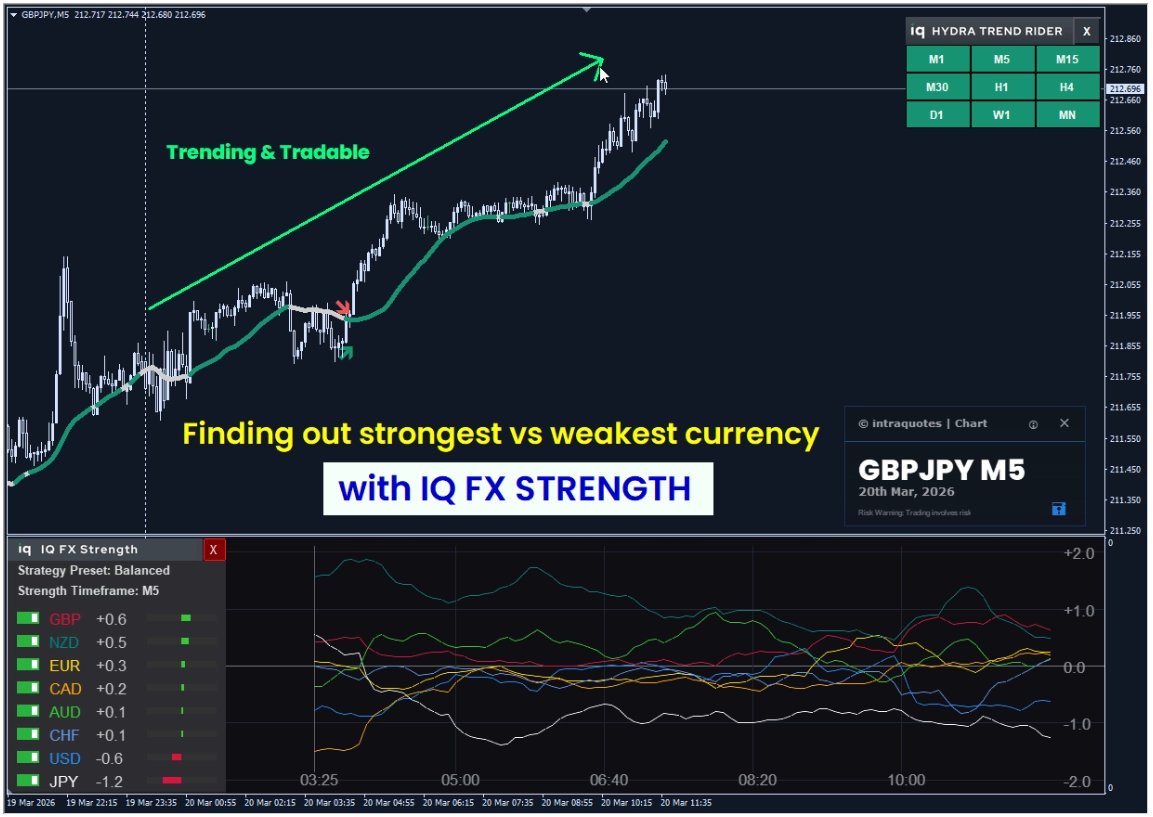
You are just 4 steps away from the best trade setup!
Learn how to pick the best forex pairs using strength analysis and trend confirmation for...
What's New
Product updates and announcements